Answer the questions patients bring to your website
Create a dental website that reflects the care you put into your practice. Revamp uses your existing website, team photos and brand as the starting point for a professional redesign. Shape the layout visually or through chat, then build the treatment pages and appointment journey your patients need.
Help visitors see the treatments you offer, meet the team and understand how to arrange their first visit. Your office can keep that information current without sending each change to a website agency.
Keep treatment explanations approachable. Separate routine care, specialist services and urgent appointment information where your practice offers them. Give each page a next step that matches the service.
Introduce the practice before the first visit
Show the actual dentists, hygienists and office. Explain your approach, your team’s qualifications and what a new patient should expect. Replace outdated portraits and generic images with materials that feel like your practice.
You can upload new photos, adjust the layout visually or ask Revamp to rewrite an introduction using your own notes. Your team stays in control of the clinical information and reviews it before publication.
Make appointment and payment information practical
Create an appointment-request flow or connect visitors to the booking service you already use. Explain whether the practice confirms a request separately. Give urgent enquiries an appropriate contact route rather than mixing them into a routine form.
Keep accepted insurance, payment options, office hours and directions current. If arrangements vary by location or treatment, make that distinction visible instead of leaving patients to guess.
Explore a dental redesign
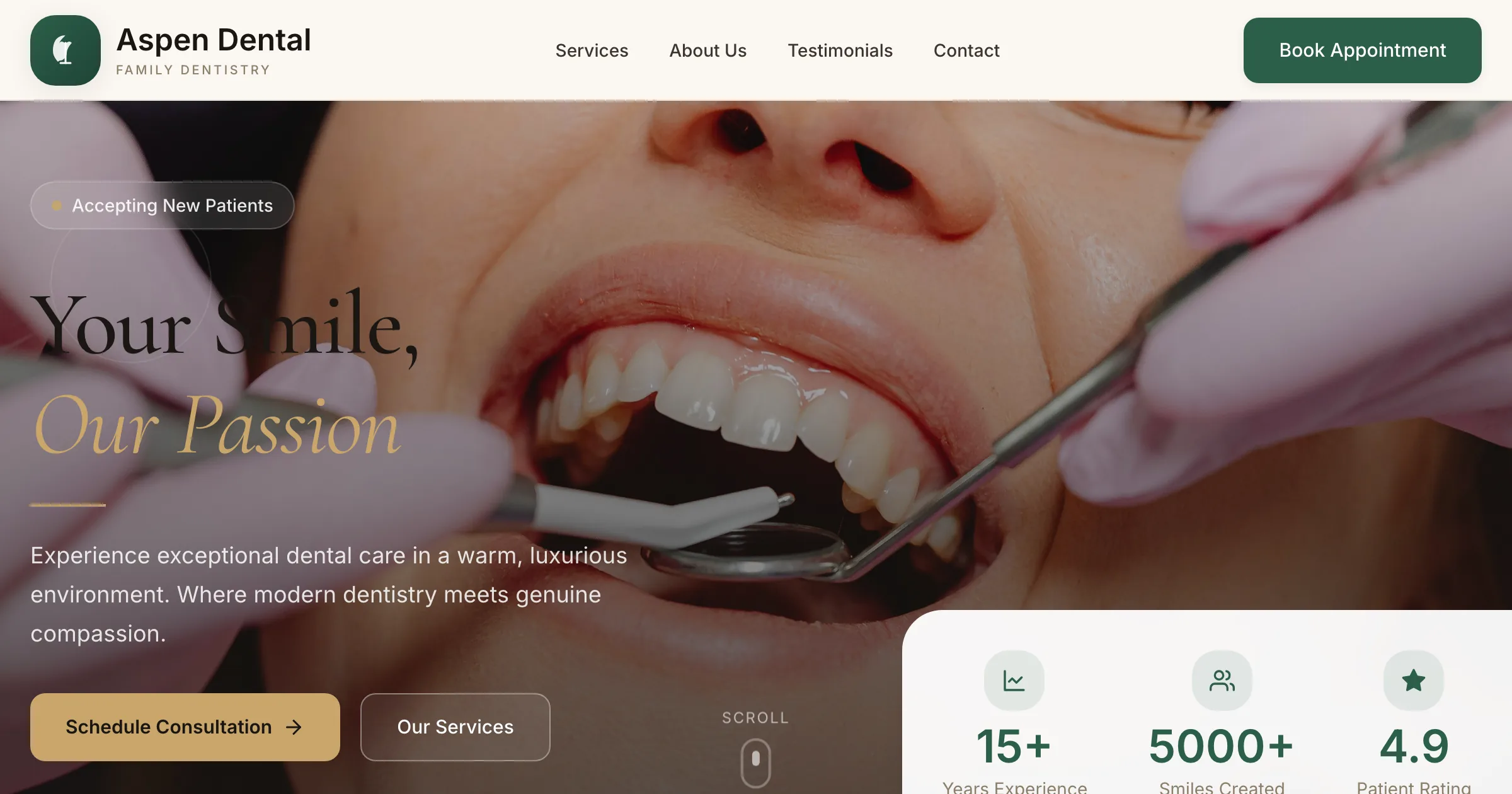
View the Aspen Dental redesign to explore one visual direction. Your practice can have a different personality, structure and patient journey. Give Revamp your own references and keep refining until the result fits.
Organize the pages around the care you actually provide
Useful treatment pages explain the service, who provides it and how to contact the practice. Location pages should describe real offices with accurate details, not repeat the same paragraph under different city names.
This approach follows Semrush’s dental SEO guidance on relevant content, accurate practice information and professional expertise. Connect each treatment to the team and office providing it, with practical information patients can use.
In Revamp, Grow includes SEO analysis and Fix with AI, plus visitor analytics showing traffic sources and pages visited. Use that information to improve unclear or incomplete pages over time.
Launch after your team has reviewed it
Share the preview with your practice manager. Check treatment wording, provider details, mobile navigation and the appointment journey while your current website remains live. Connect your domain and publish when the new site is ready.
Later updates follow the same preview-and-publish workflow. New team member, revised hours or another location: you can keep the website current without starting a new redesign project.
See healthcare website redesign for broader practice needs, or create a new website with AI if you are opening a practice.





