Ecommerce website design built around your products and customers.

Give your products a better presentation and build the buying experience your business needs. Start with your existing store, then keep refining in Revamp.

Your current website stays live while you work on the redesign.

Make products easier to understand and compare

Give your store a design that does your products justice, with a buying journey shaped around your customers. Start with your existing store URL, bring in your catalog and use Revamp to create product pages, search and filters. Refine the design by chatting or editing visually, then continue with shopping, payments and customer accounts.

Show the information customers need to choose: clear images, accurate descriptions, relevant options and pricing. Organize categories around how people browse rather than your internal stock system.

Bring your catalog into the new experience

Start with your public store URL. Import current product information, images and other materials through files or supported connections. Decide how catalog changes should be managed after launch.

If the store is on Shopify, start from the public URL. The live store stays open while you preview. After you approve the design, you can connect Shopify for catalog and orders, or build shopping in Revamp. See Shopify website redesign. For WordPress stores, see WordPress website redesign.

Build beyond the product page

On Grow, create the buying and customer experience your business needs: payments, accounts, order-related information and a working area for your team. Connect Shopify or other tools when the catalog or orders should stay where they already work.

Make delivery information, payment steps and customer-service routes clear. Your business supplies its actual policies and arrangements; Revamp helps you build the experience around them.

Private customer records, active subscriptions and payment agreements require their own migration plan. A public URL alone does not carry those relationships into a new platform.

Explore different visual directions
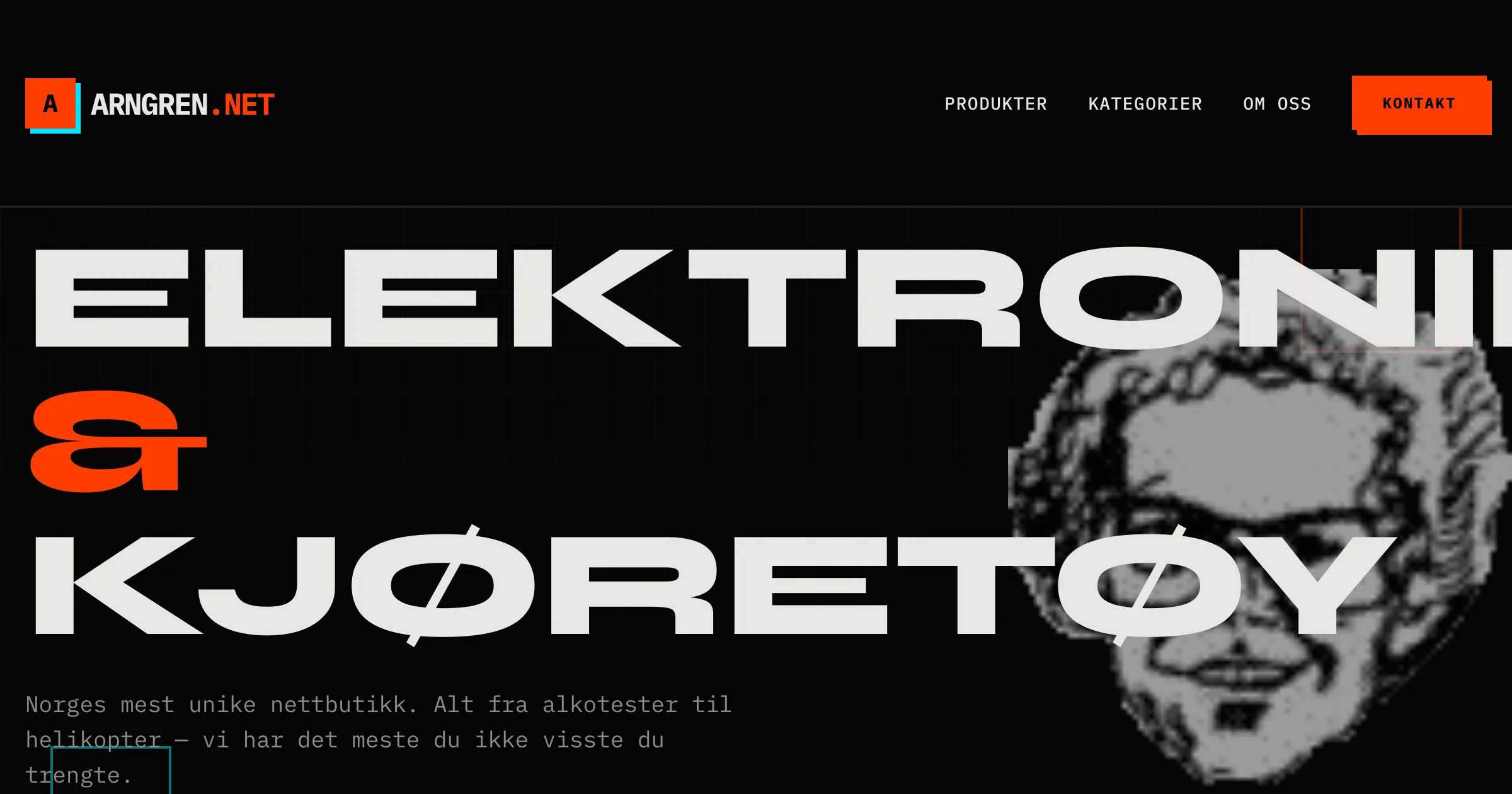
Arngren catalog website redesigned in Revamp

The Arngren redesign provides a catalog-focused example to explore.
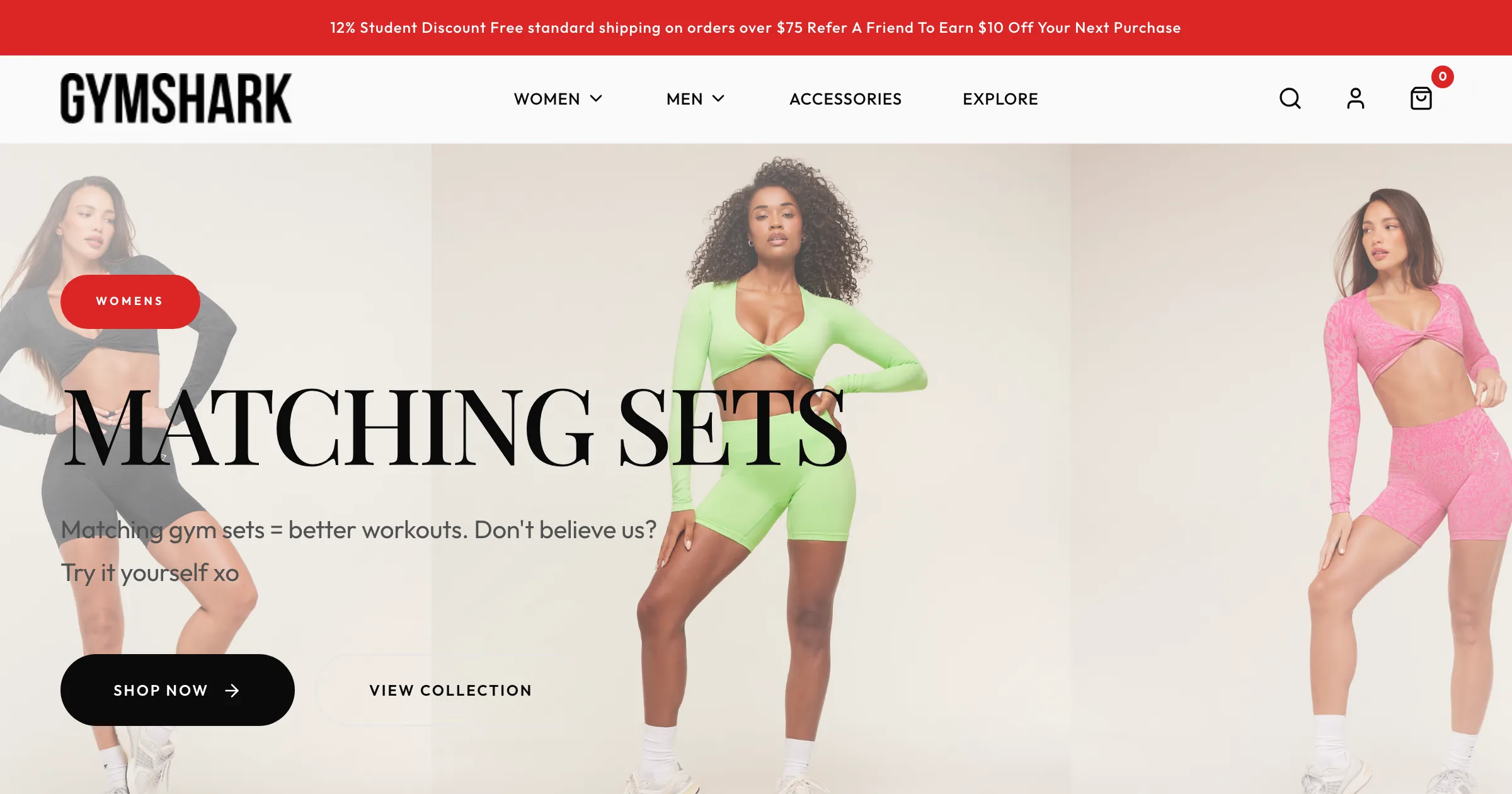
Gymshark website redesigned in Revamp

Explore the Gymshark redesign for a different product presentation.

For a vehicle-focused design example, see the Ling’s Cars redesign. Bring your own brand references and product photography to shape a storefront with a different character.

Review the complete transaction before launch

Use the preview to browse categories, choose product options and test the payment and confirmation flow. Check the operational side too: what your team sees and how it handles the next step.

Review important product and category URLs, and arrange redirects where addresses change. Your existing store can remain live while you prepare the replacement.

Grow includes SEO analysis and visitor analytics inside Revamp. Use them to review page issues and understand traffic sources, landing pages and pages visited as you keep improving the store.

If you are launching a store without an existing website, start with the AI website builder.

A better website.
Room to keep building.

Create and refine with Studio. Choose Grow for your own domain, business features, connections, SEO tools, visitor analytics and priority support.

Redesign & refine

Studio

Refine your redesign, share it, and export it when you’re ready.

$29/ month

USD · billed monthly

Explore your redesign

200 credits per month

Included in Studio

  • Make the design your own
  • Share a preview and get feedback
  • Download your website's code
  • Standard support

For the redesign itself.

To launch on your own domain, use SEO tools, and see your visitor analytics, choose Grow.

Your business, live

Grow

Launch your website. Run your business. Keep making it better.

$99/ month

USD · billed monthly

Start my redesign

700 credits per month, shared across your websites Priority support

Everything in Studio, plus:

  • Launch on your own domain

    Hosting and security are taken care of.

  • Bookings, payments, and customer areas

    Build the features your business needs, beyond a beautiful homepage.

  • Make changes on your schedule

    Add pages, launch offers, and keep improving simply by chatting.

  • Connect the tools you already use

    Bring in your data and connect your website to your everyday work.

  • Review SEO issues and fix them with AI

    Find SEO issues and fix them with AI. Search rankings are not guaranteed.

  • Understand your website’s traffic

    See which sources bring visitors to your website, where they land, and which pages they visit.

Connect with 1,400+ apps

  • HubSpot
  • Mailchimp
  • Google Calendar
  • Google Sheets
  • Stripe
  • Calendly

See your redesign before you choose.

Start with 30 one-time credits. No credit card required.

Compare all plan details

Your questions, answered.

Can I create campaign pages without redesigning the whole store again?

Yes. Ask Revamp to add a page for a collection, seasonal launch or promotion using your product information and images. Refine it through chat or visual editing, review it in preview and publish when it is ready.

Can Revamp build a working store, not just a visual redesign?

Yes. On Grow, build product browsing, customer accounts, payments and the operational features your store needs. Describe the workflow and refine it in Revamp.

Can I start from a Shopify or WooCommerce website?

Yes. Paste the public store URL for design and content context. For Shopify, you can also connect the store to bring in catalog information, or keep Shopify for inventory and orders while Revamp is the website customers see.

Can I import my catalog and business information?

Yes. Import product details, images and business information from files or connected services, including Shopify. Choose where catalog updates will be managed and arrange access to any private records you need to move.

Will active subscriptions and orders move automatically?

Do not assume that a URL import transfers payment agreements, active subscriptions or every private record. Review those workflows and the appropriate migration arrangements before switching.

Can I test the new store before it replaces the current one?

Yes. Use the preview to review products, checkout, confirmations and the operational workflow. Publish on your domain when those checks are complete.

Choose your next step.

See what your website could become.

Start with your URL. Make the next version yours.

Redesign my website




